 SuanSupply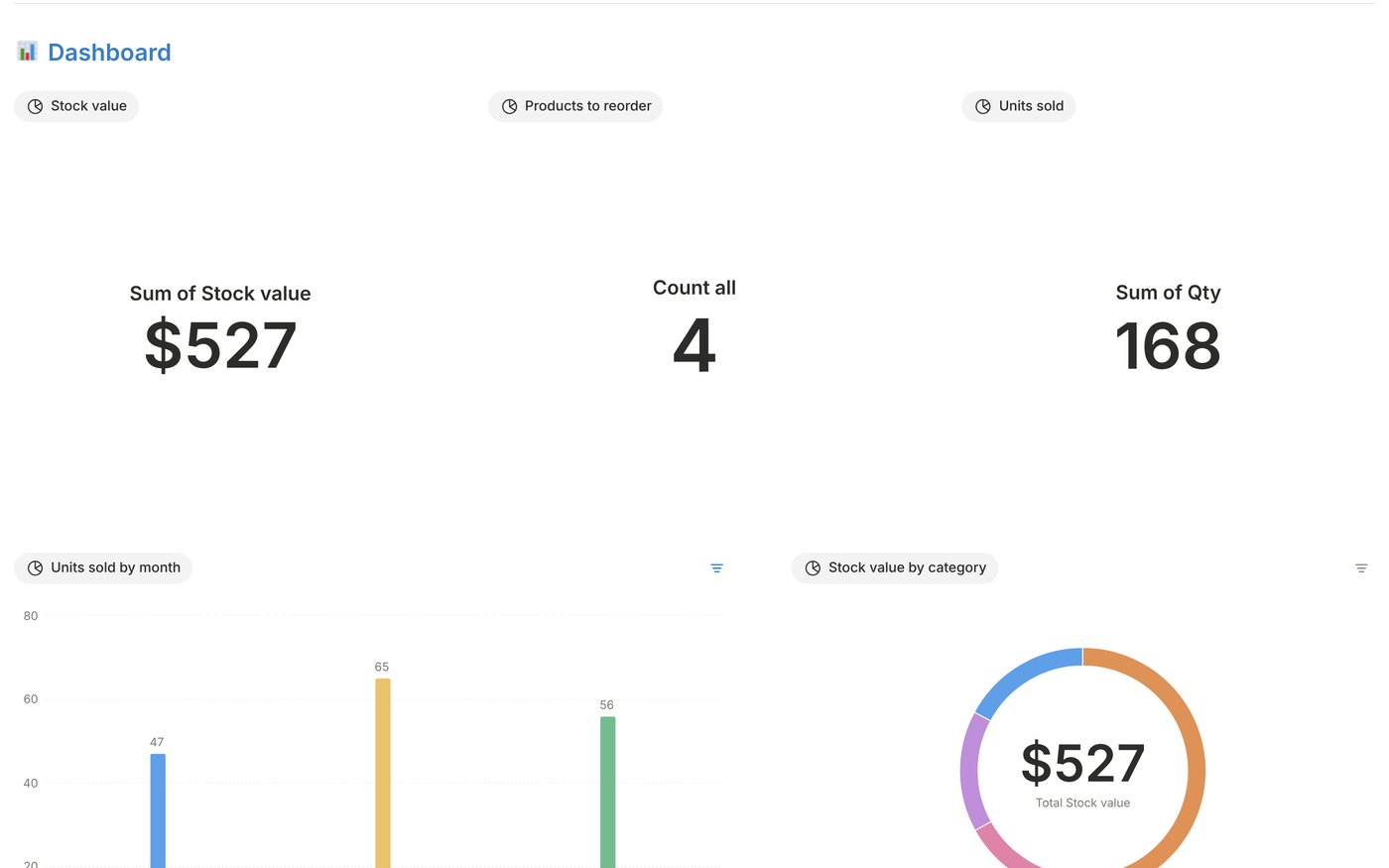
What it's good for
- Etsy and online sellers
- Candle, soap and craft makers
- Small shops and resellers
- Any small business that wants simple stock control
What it does
Live dashboard
Total stock value, products to reorder and units sold, plus a units sold by month chart and a stock value by category chart.
Products
SKU, category, cost, price, margin and a reorder point. Stock and Status (In stock, Reorder, Out of stock) fill in on their own.
Stock movements
One row per restock, sale, return, damaged item or count adjustment, with a sales view and a calendar.
Purchase orders
What you ordered, from whom, the total and the expected date, from Draft to Ordered, Shipped and Received.
Suppliers
Contact, email, website and lead time in days for everyone you buy from.
English and Spanish
Both versions are included, each with example rows you can delete.
How it works
- Buy it on Etsy and download the one-page PDF.
- Enter your Etsy order number on our Get your template page.
- Open your link, sign in to Notion (a free account works) and click Duplicate. Delete the example rows and add your own numbers.
Pay once. No subscription.
Your copy lives in your own Notion workspace. Sold through our Etsy shop.
Frequently asked questions
Does it connect to Etsy or Shopify?
No. Stock levels come from the restocks and sales you log, so it works for any shop, market stall or website.
Do I need a paid Notion plan?
No. It works on Notion's free plan, on desktop, web and phone.
How do I get it after I buy?
Etsy gives you a one-page PDF. Enter your Etsy order number on our Get your template page and you get the link to duplicate the template into your own Notion.
Can I change the currency?
Yes. Click a money column header, then Edit property and Number format, and pick your currency.
SuanSupply is not affiliated with, endorsed by or sponsored by Etsy, Inc. or Notion Labs, Inc. Etsy and Notion are trademarks of their owners.